Coming soon · iPhone, iPad & Mac
AIS Scoops
Your team of AI assistants. Each with a mind of its own.
Scoops chat, get tasks done in the background and work on your Mac – with personality, memory and your approval on everything that matters.








AIS Scoops Server for Mac
The server runs on your Mac and connects to the AIS Scoops app. You always get the latest version here.
1Requirements
Mac with Apple silicon, macOS 26 or later.
2Install
Open the DMG, drag the app to “Applications” and launch it. The setup assistant guides you step by step until it’s connected to the AIS Scoops app.
3Updates
New versions arrive automatically after that.
More than a chatbot
Not one assistant. A whole team.
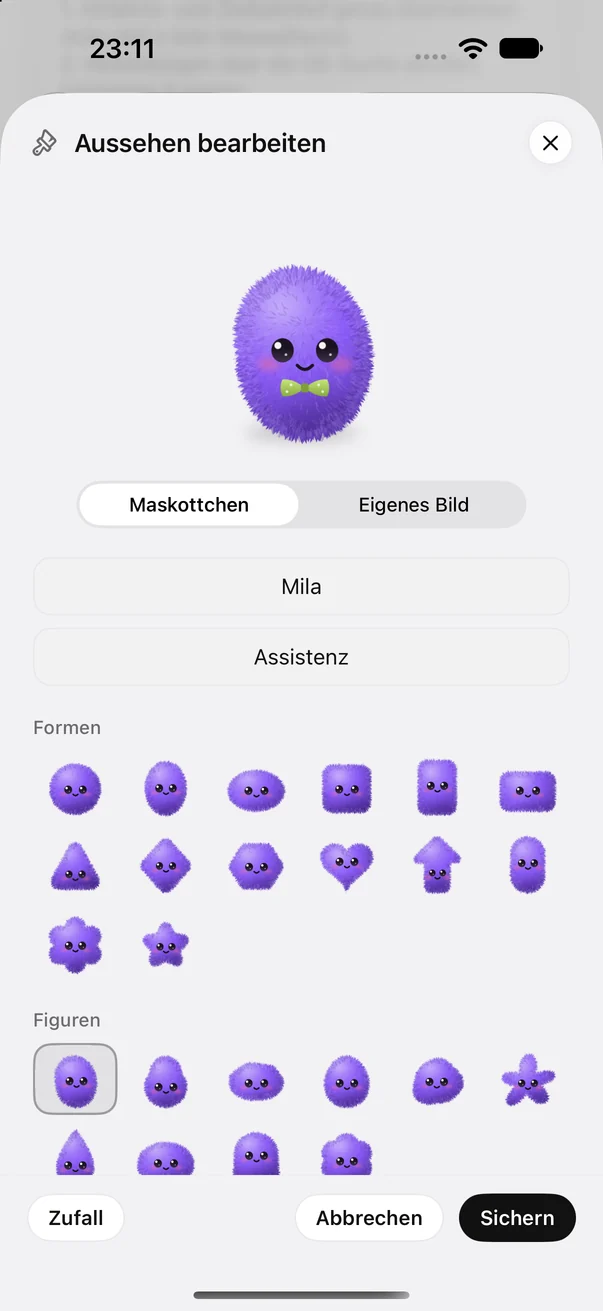
Every Scoop has a name, a face and a way of its own. Give it a role – assistant, social media, finance – and it learns how you work.
Chat
Personality that thinks along.
Pick a shape, colour and character. Your Scoop remembers preferences, projects and agreements, and answers the way you know it.
- Its own name and look
- Memory across conversations
- Roles like assistant or finance
Background tasks
Hand it off. It moves.
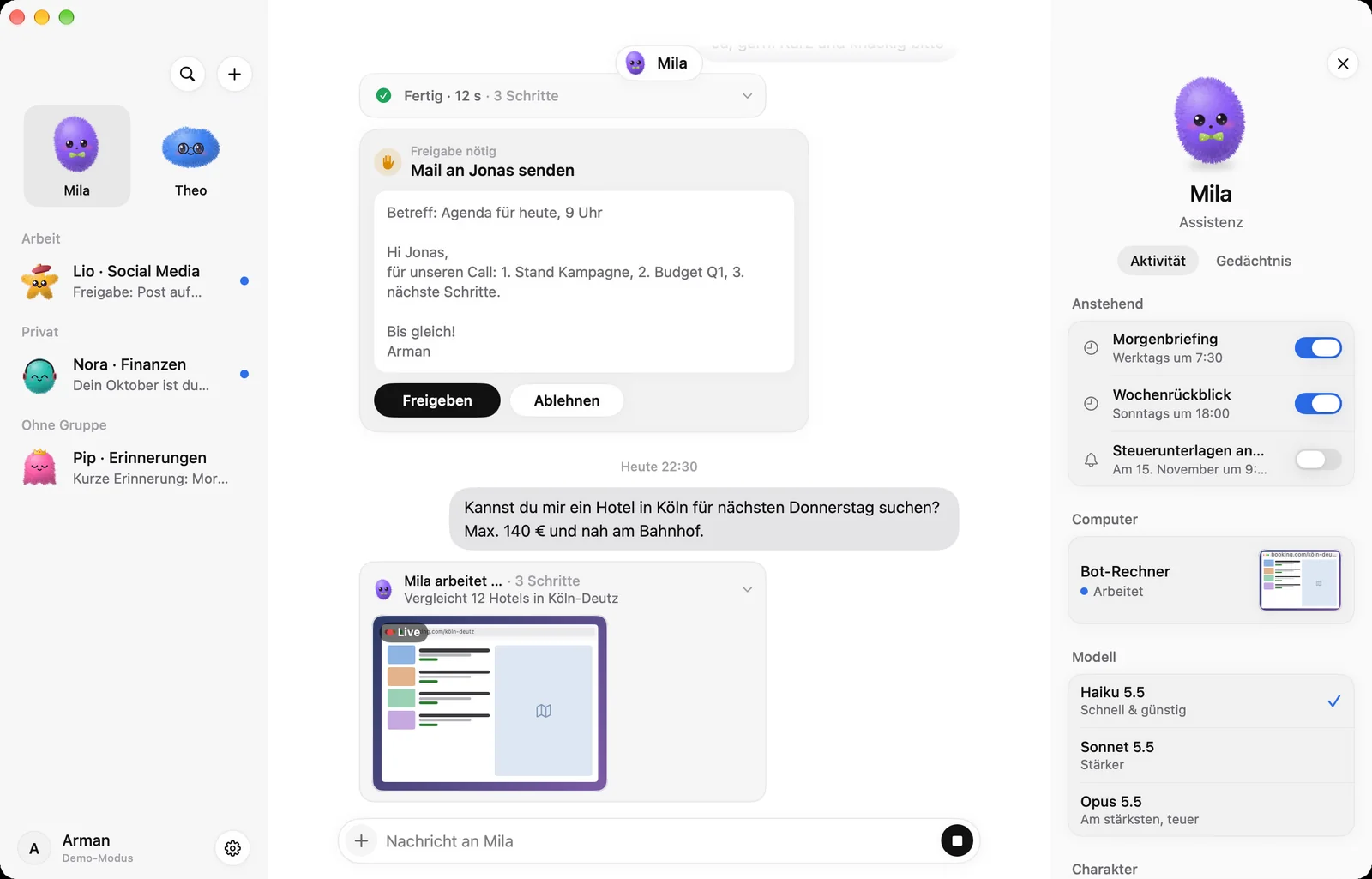
Tasks land on a board and travel from “Open” to “Done”. Scoops keep working while you do something else, and you sign off on the results.
- Open
- Scheduled
- Running
- To review
- Done

On your own Mac
Real work. Your call.
Scoops edit files and use the terminal – right on your Mac. Before important steps an approval card appears, and you decide.
- Approve, decline or always allow
- Files and terminal
- Every step traceable
Teamwork
Scoops talk to each other.
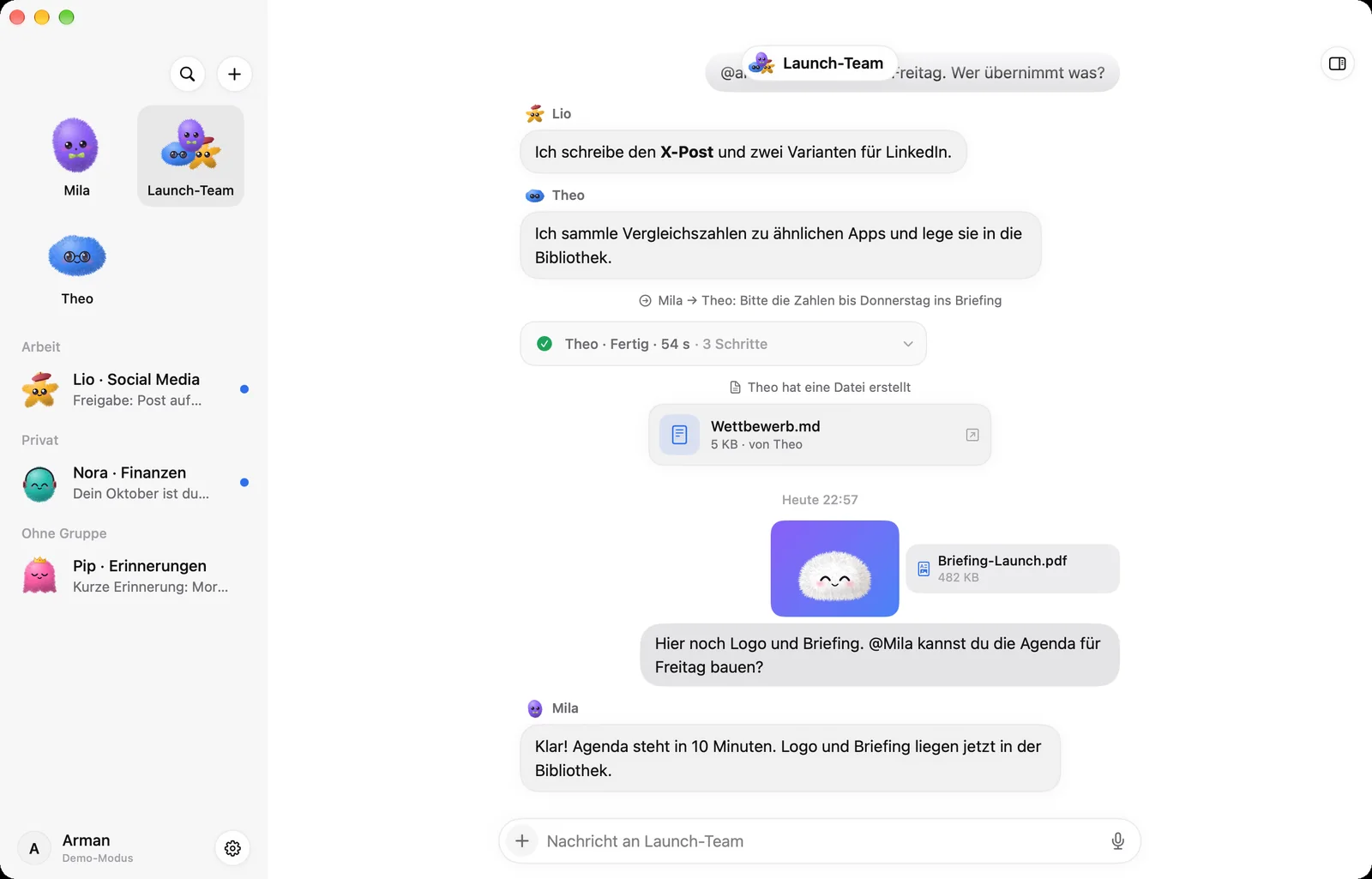
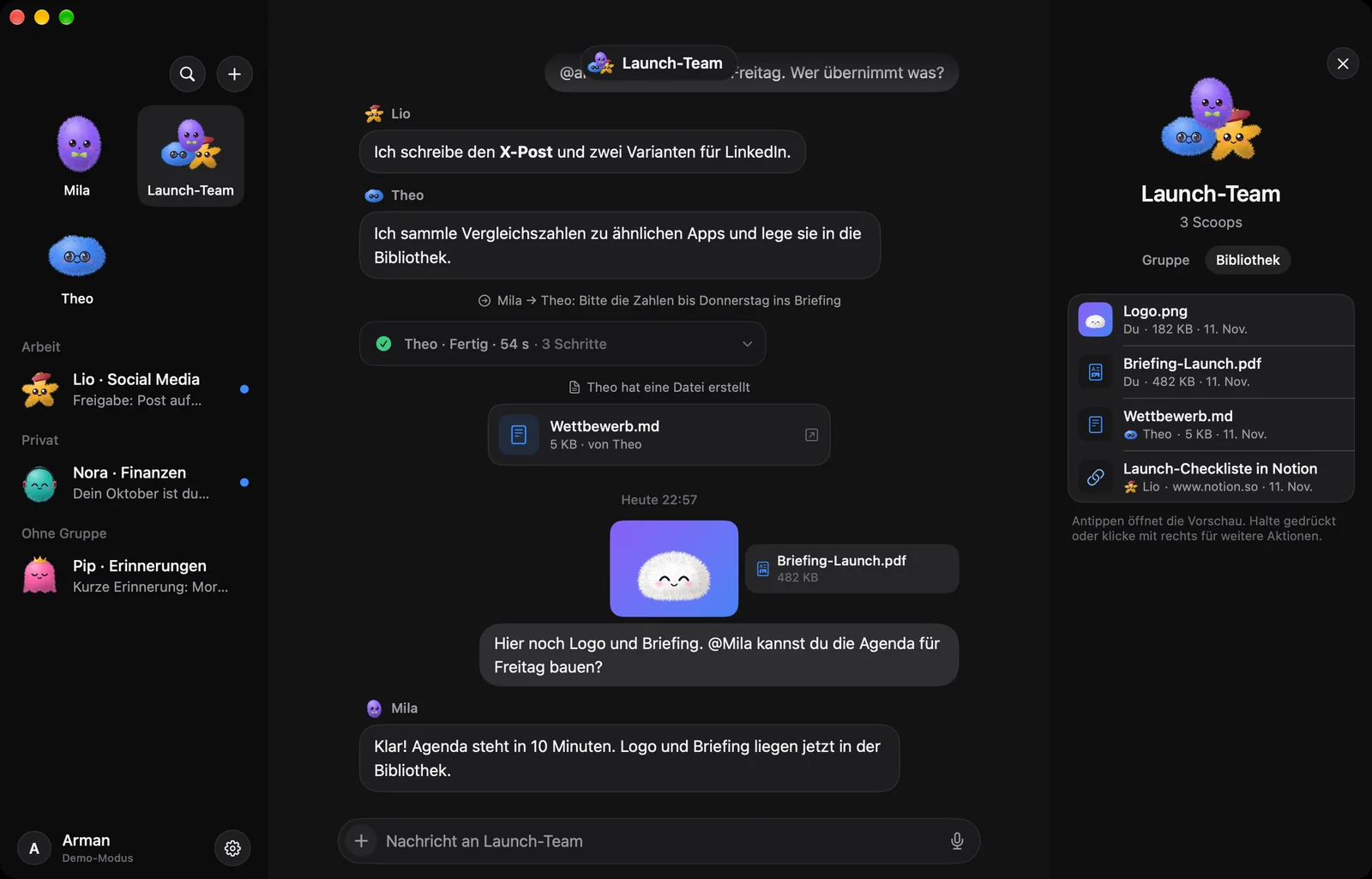
In group chats Scoops split up work, hand over progress and file results together in a shared library.
- Hand off work
- Shared library
- Shared with partner, family or team
A look inside
Real app. Real interface.
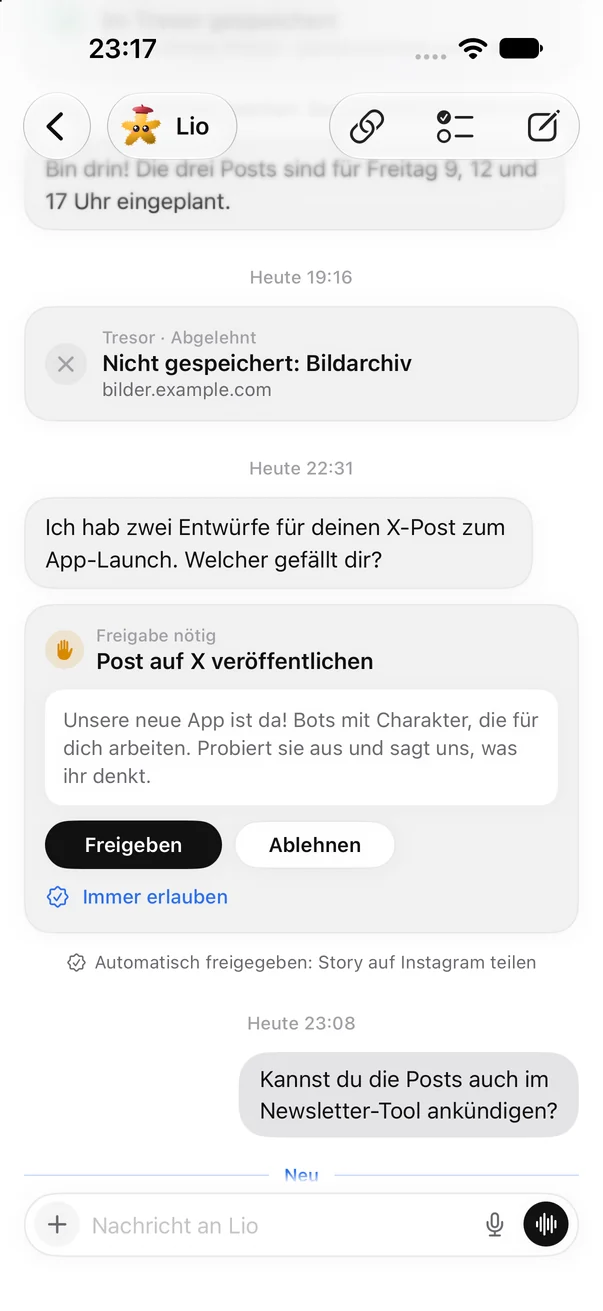
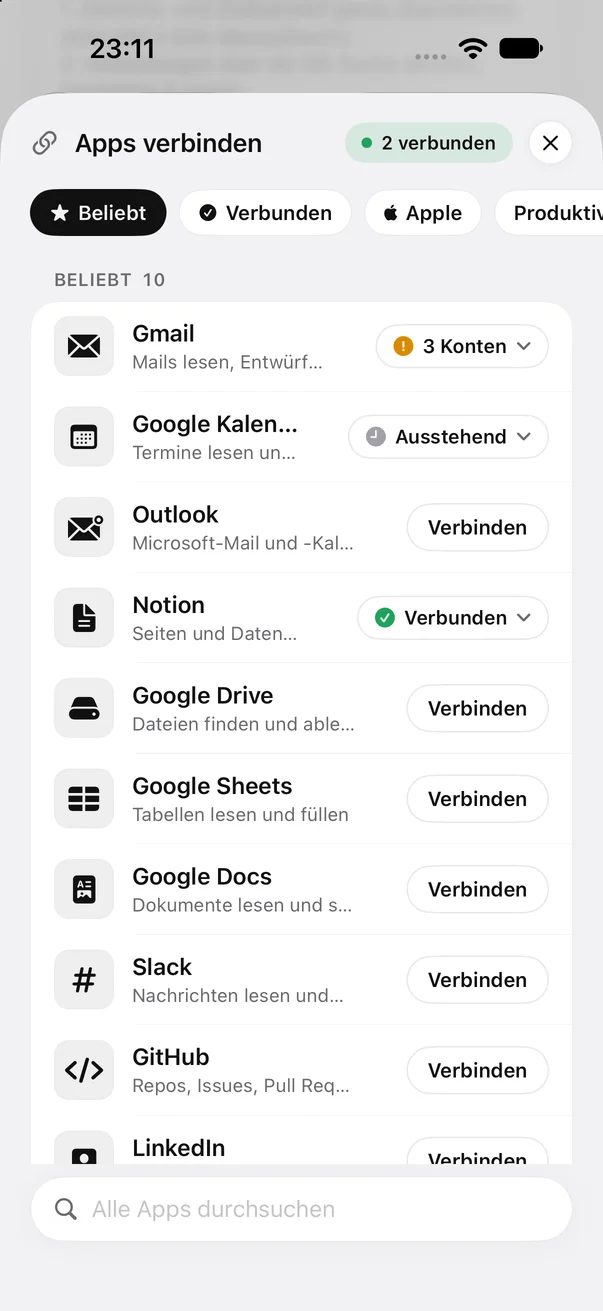
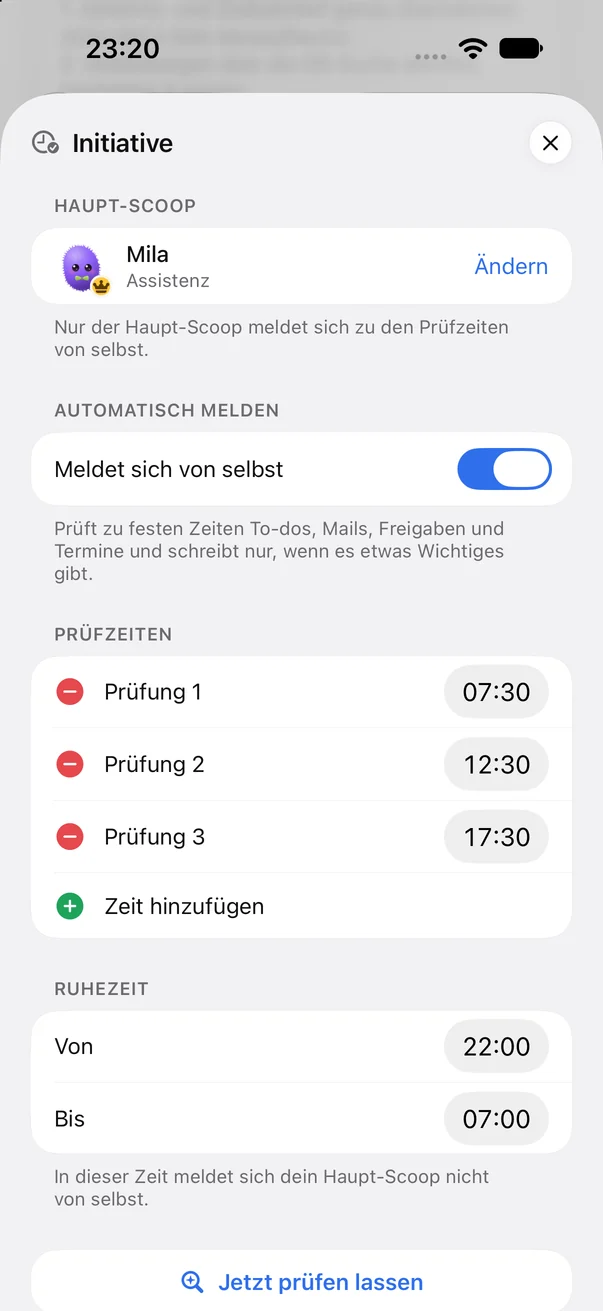
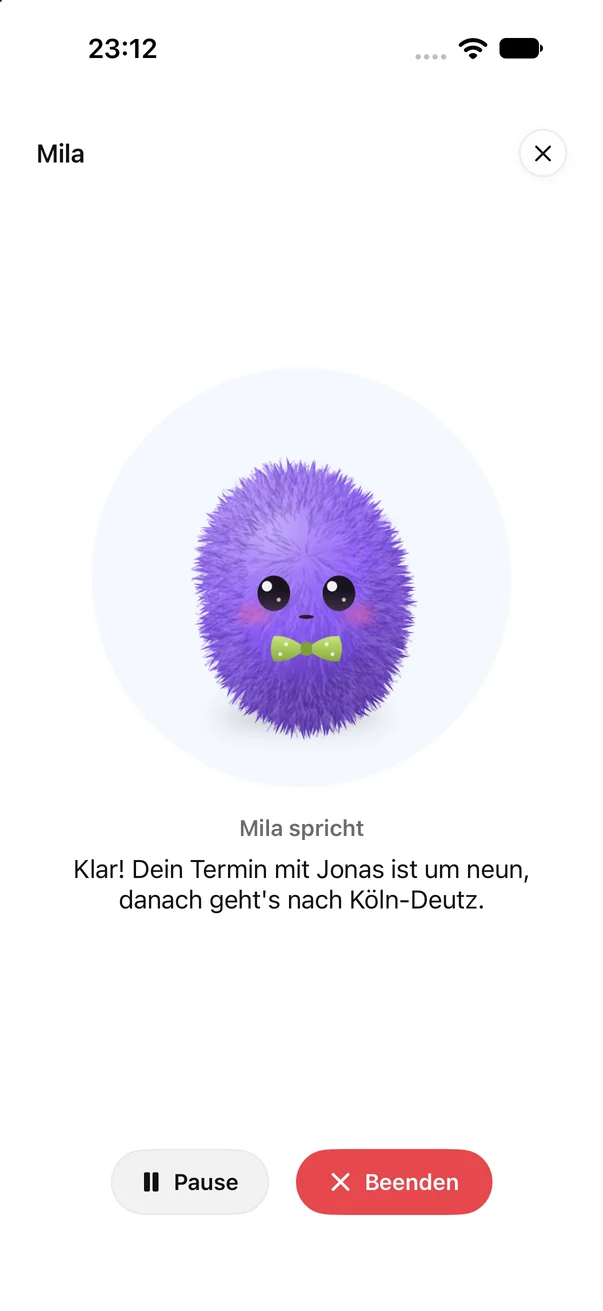
Every image shows the actual AIS Scoops interface, captured with demo content. The app UI is currently in German.

All included
What makes a good team.
Connect apps
Notion, mail, calendar and more: Scoops work where your stuff already lives.
Routines
Morning briefing, weekly review, reminders: recurring jobs run on their own.
Voice
In voice mode you talk ideas through out loud, like with a colleague.
Shared
Share Scoops with your partner, family or team. Everyone works from the same context.
Runs at home
Scoops run on your own Mac as a server. Your data stays with you.
Every device
iPhone, iPad and Mac: the same Scoop, always at hand.
- iPhone
- iPad
- Mac
Coming soon
Your team is almost here.
Sign up and be the first to know when AIS Scoops launches. No newsletter, no spam – just the launch note.
Deutsch